
How to work through a client's change requests in YakDrop
Every request a client adds becomes an item on the change checklist, with the exact spot they pinned. Assign each one and mark it done, so nothing gets missed before the next version.
Before you start
- A review where the client added change requests
Transcript
Turn client feedback into a checklist, so nothing gets missed before the next version.
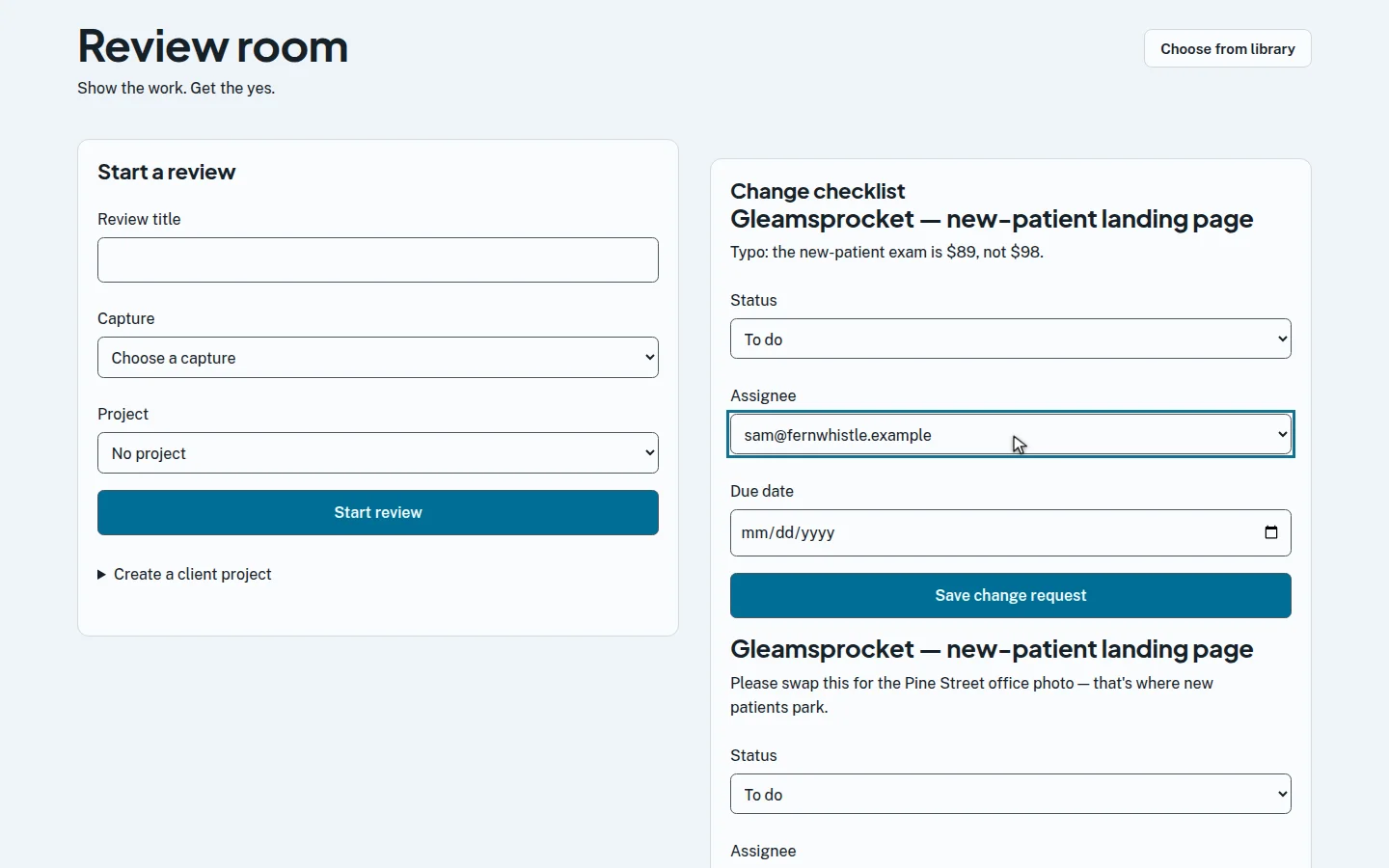
In Change checklist, each request shows what the client wrote. Assign it to the person fixing it.
When it's fixed, set Status to Done and select Save change request.
Steps
Assign the request ▶ 0:07
In Reviews, under Change checklist, find the request and choose an Assignee. Add a Due date if it helps.
Mark it done ▶ 0:14
Set Status to Done and select Save change request.
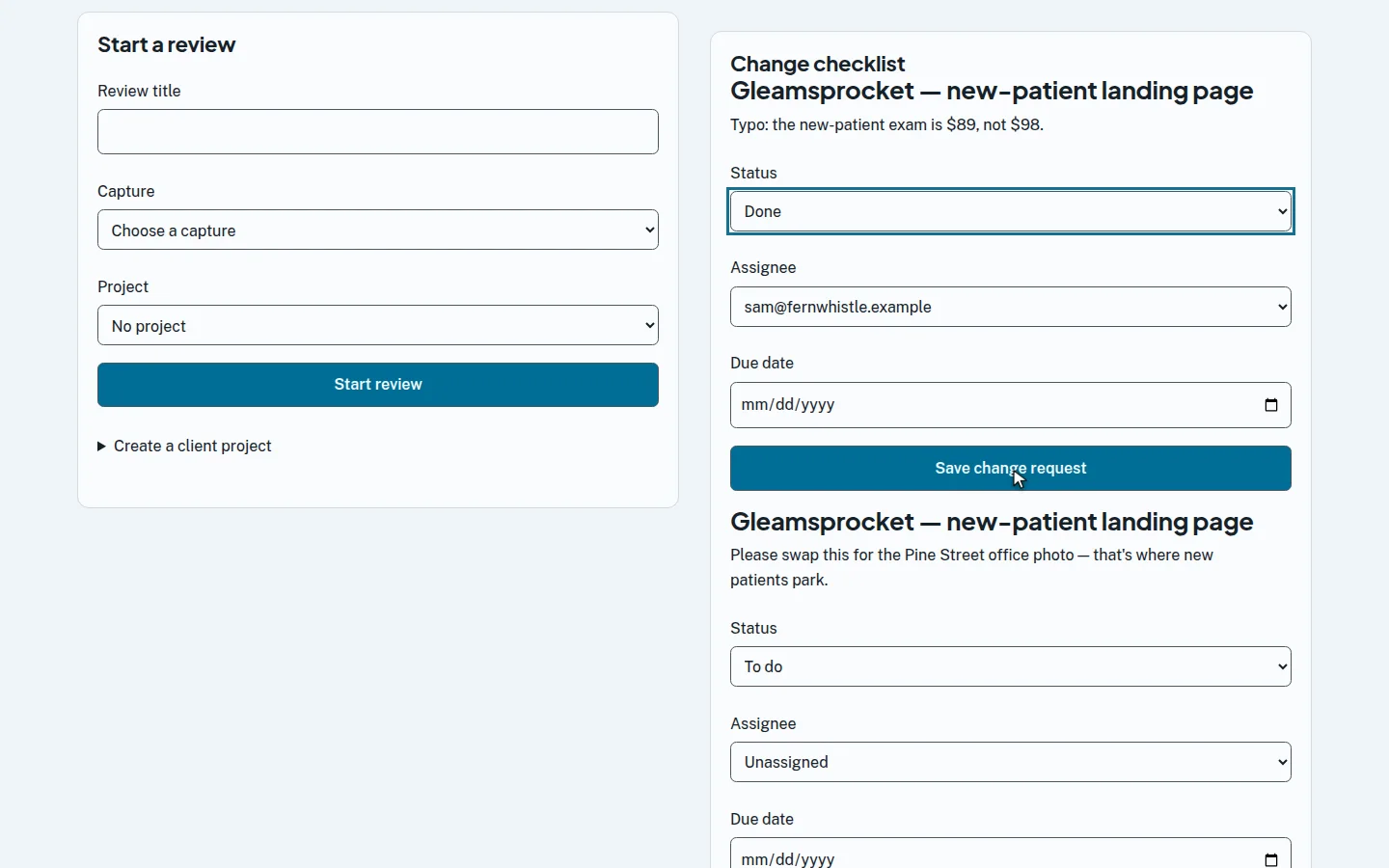
ResultThe request shows as Done on the checklist.
Next steps
Updated 2026-11-03
change requests feedback checklist assign feedback revision list