
How to pin feedback on a design in a YakDrop review link
Show your designer exactly what you mean. Click any spot on the design, write your comment, and it stays pinned to that spot on that version.
Before you start
- A review link from your designer or agency
Transcript
Your designer sent you a review link. Show them exactly what you mean, right on the design.
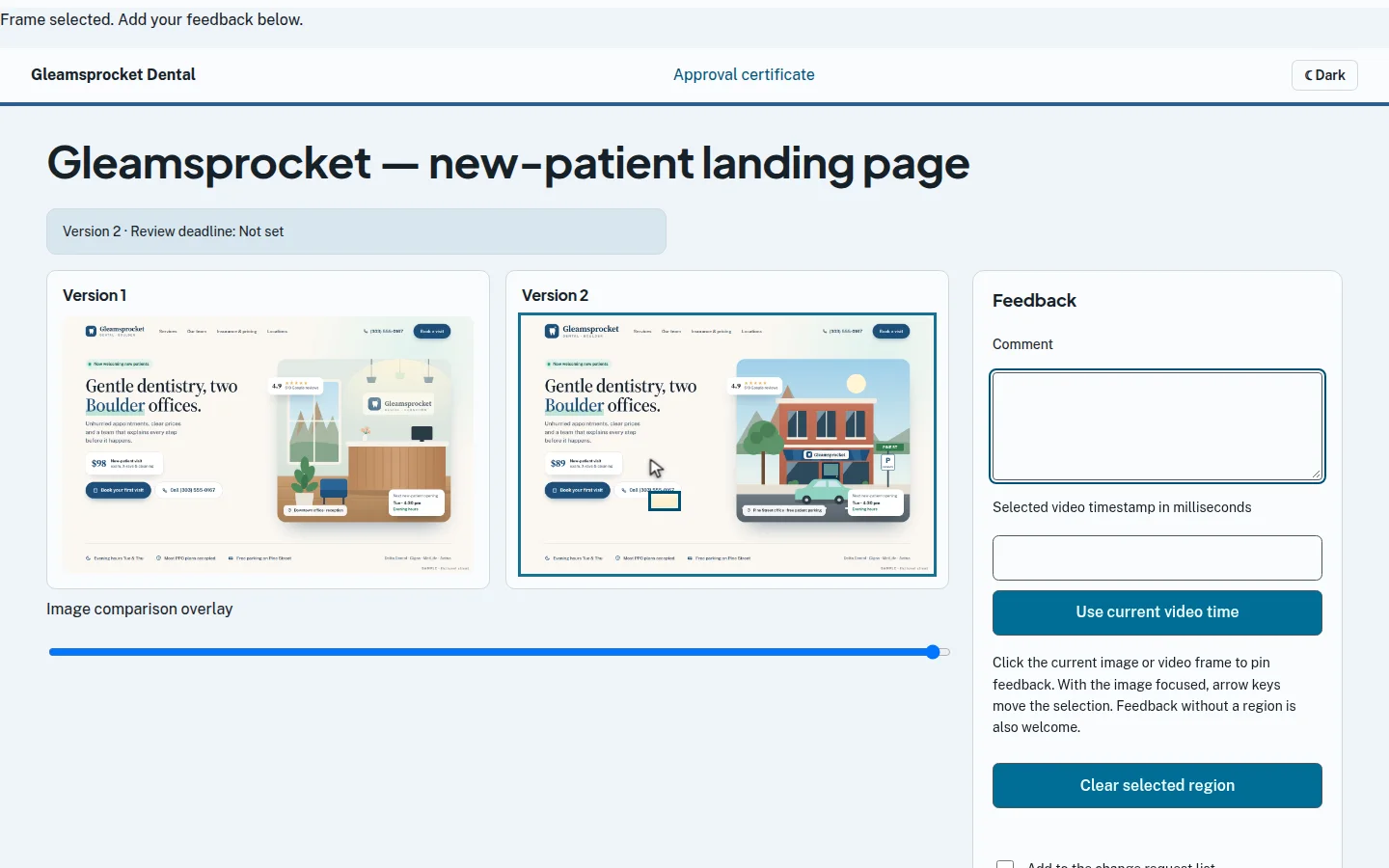
Click the spot you want to talk about. YakDrop pins it on the design and moves you to the comment box.
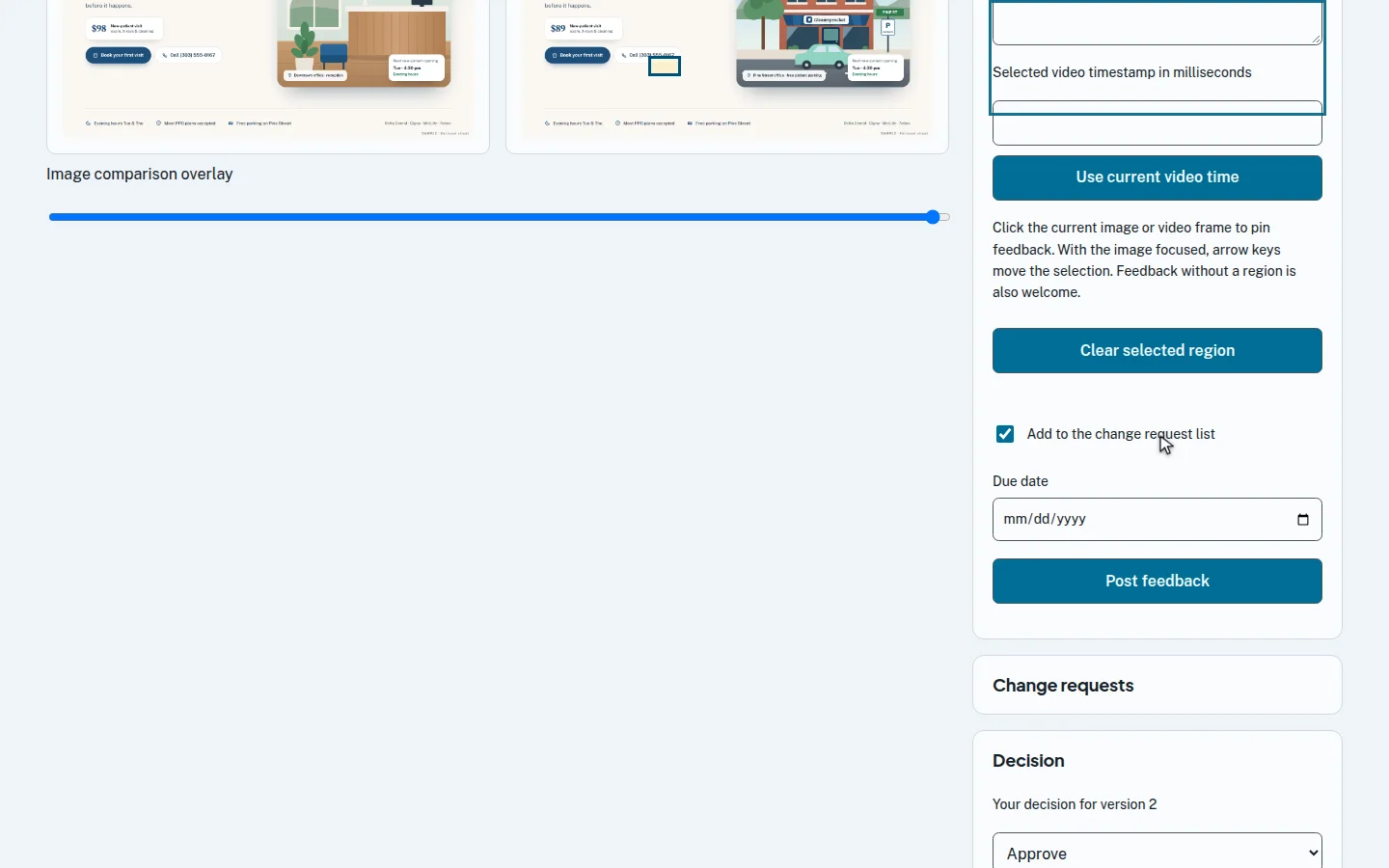
Type your comment. If it's something to fix, tick Add to the change request list.
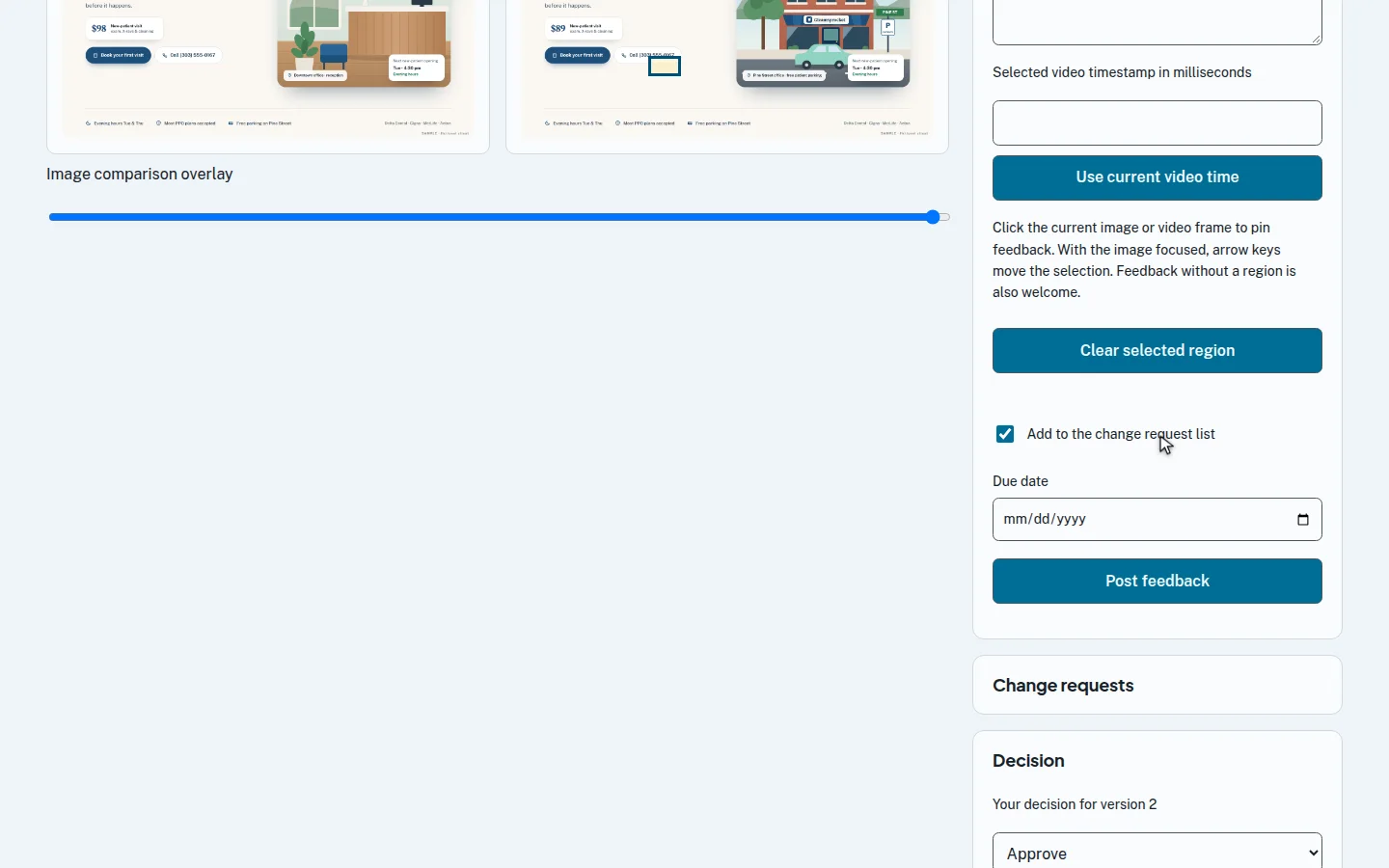
Select Post feedback. Your designer sees it pinned to that exact spot.
Steps
Pin a spot ▶ 0:07
On the current version, click the spot you want to talk about. With the image focused, the arrow keys move the pin.
Write your comment ▶ 0:15
Type in Comment. Tick Add to the change request list if it's a change you need.
Post it ▶ 0:21
Select Post feedback. It's listed under Feedback, and Show selected region highlights the area again.
Next steps
Updated 2026-11-03
client feedback annotate design comment on image markup