
How to export your YakDrop data
Keep your own copy of everything: original media, client reviews, approvals, transcripts and metadata, in one download.
Transcript
Download everything you've captured, with every review and approval.
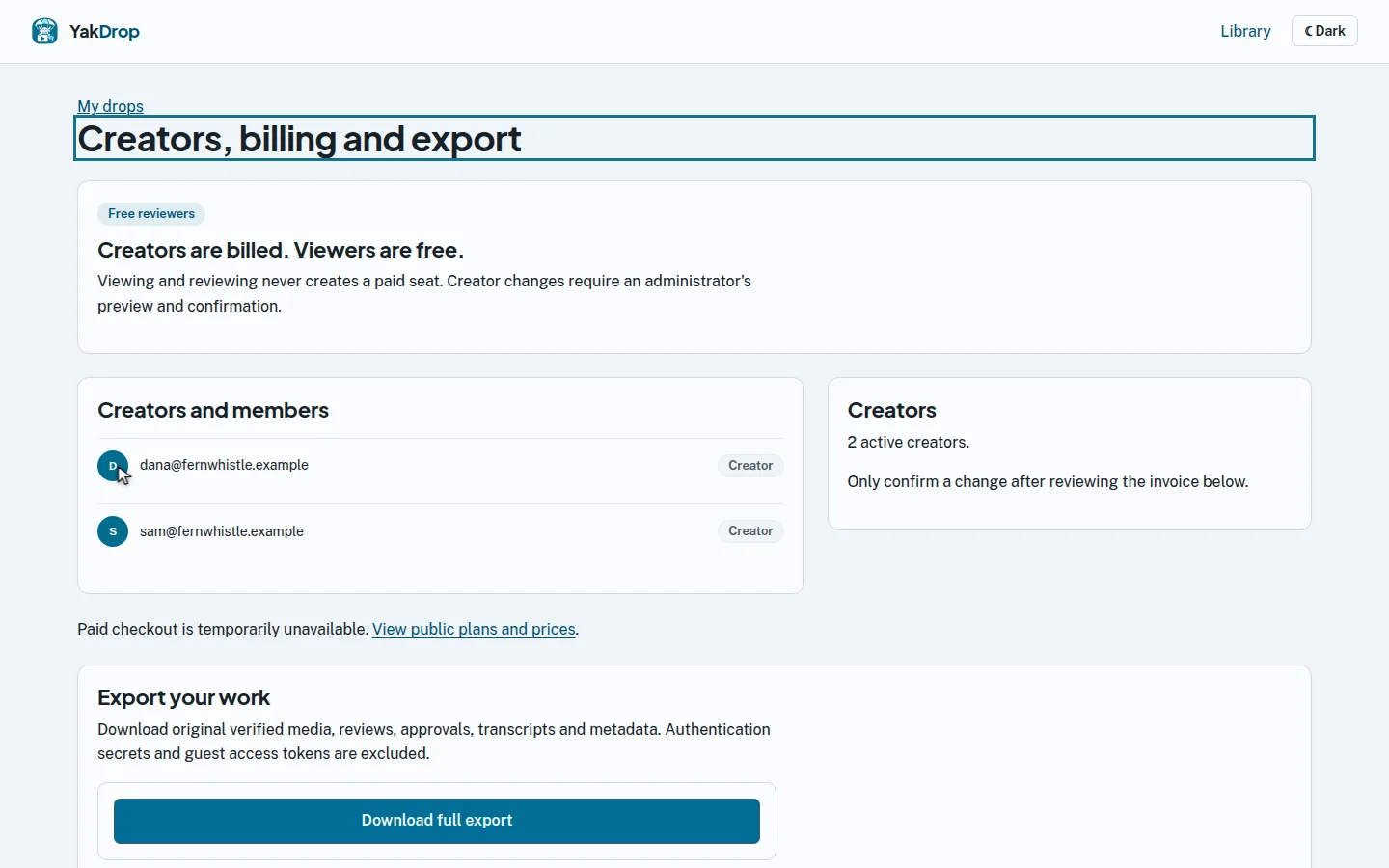
In the sidebar, select Billing.
Under Export your work, select Download full export. You get the original media, reviews, approvals, transcripts and metadata in one file.
Steps
Open Billing and export ▶ 0:06
In the sidebar, select Billing (near the bottom).
Download the export ▶ 0:11
Under Export your work, select Download full export.
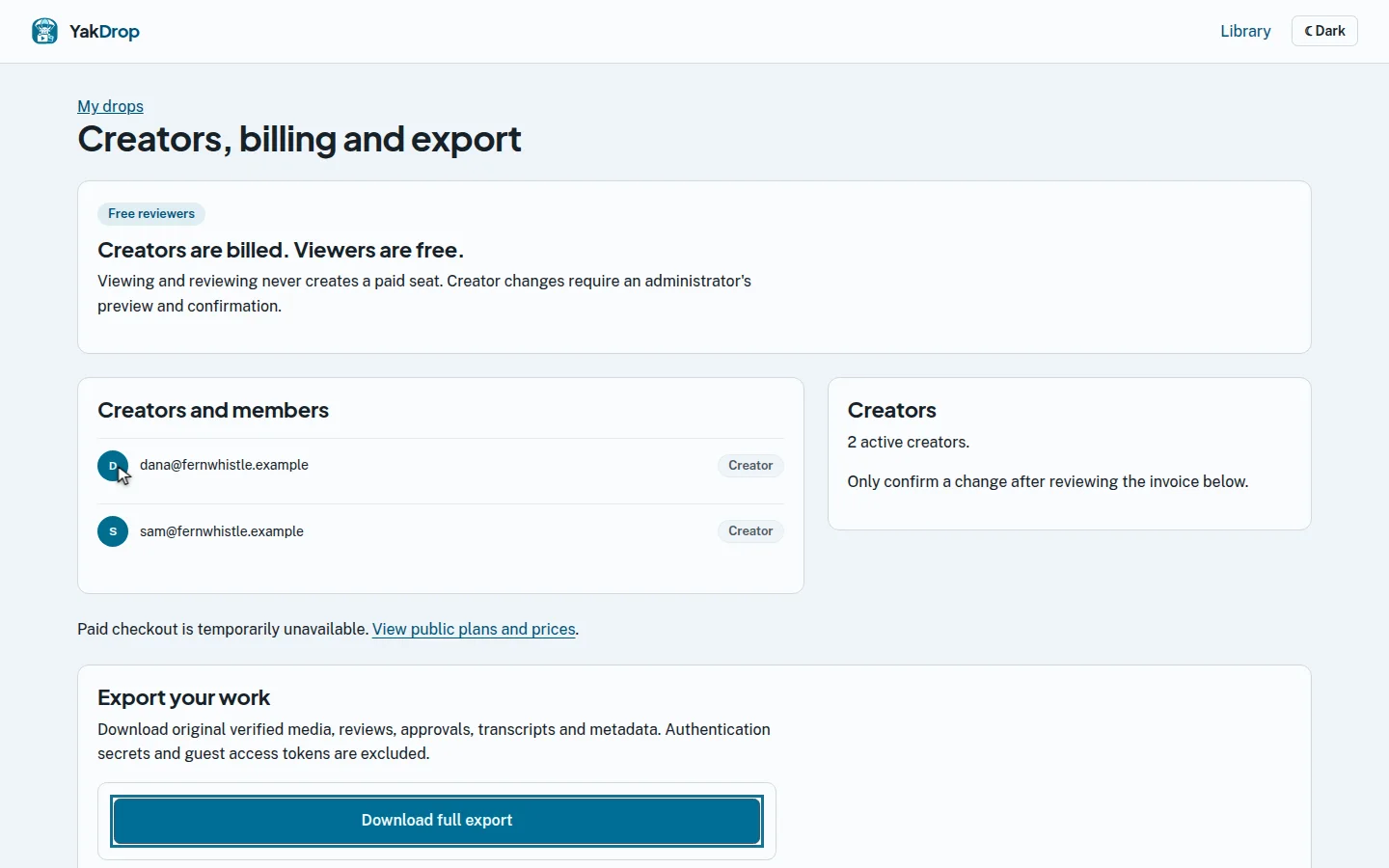
ResultYour browser downloads the export file. Sign-in secrets and guest access links are left out.
Next steps
Updated 2026-11-03
export data download all backup data portability